Jupyter
November 1, 2025


Phone
+61 401 965 090Address
Melbourne, Australia← HOME • SOLUTIONS • LEARNING & CLOUD
We connect Totara LMS or Moodle to your CRM, single sign-on and portals, so learners are enrolled automatically and progress is visible wherever your teams work.
Request a custom integration ↗See what it does
BEST FOR
Training providers and L&D teams
CONNECTS
Totara / Moodle, CRM, SSO, portals
AUTOMATES
Accounts, roles and enrolments
YOU OWN
The code, data and hosting accounts
THE PROBLEM WE SOLVE
Manual enrolments, duplicate accounts and completion reports pulled from spreadsheets slow down every training team.
We link your LMS to the systems that already know who your learners are, so accounts, roles and course access follow your business rules automatically.
BUILT FOR
PLATFORMS & TOOLS
KEY FEATURES
01
Accounts are created, updated and suspended from your HR system or CRM.
02
Job roles and teams map to Totara audiences, so the right people see the right courses.
03
A purchase, a new hire or a CRM stage change can enrol a learner straight away.
04
Webhooks send completions and scores back to your CRM and dashboards.
05
Learners log in with their work account through SAML, OAuth2 or Active Directory.
06
Managers see team progress and compliance status without exporting reports.
HOW IT WORKS
STEP 01
SSO or your CRM tells Totara who the learner is and what role they have.
STEP 02
Business rules assign courses, audiences and due dates.
STEP 03
Completions and scores are sent back by webhook as they happen.
STEP 04
Dashboards and your CRM show live learning status.
PROOF
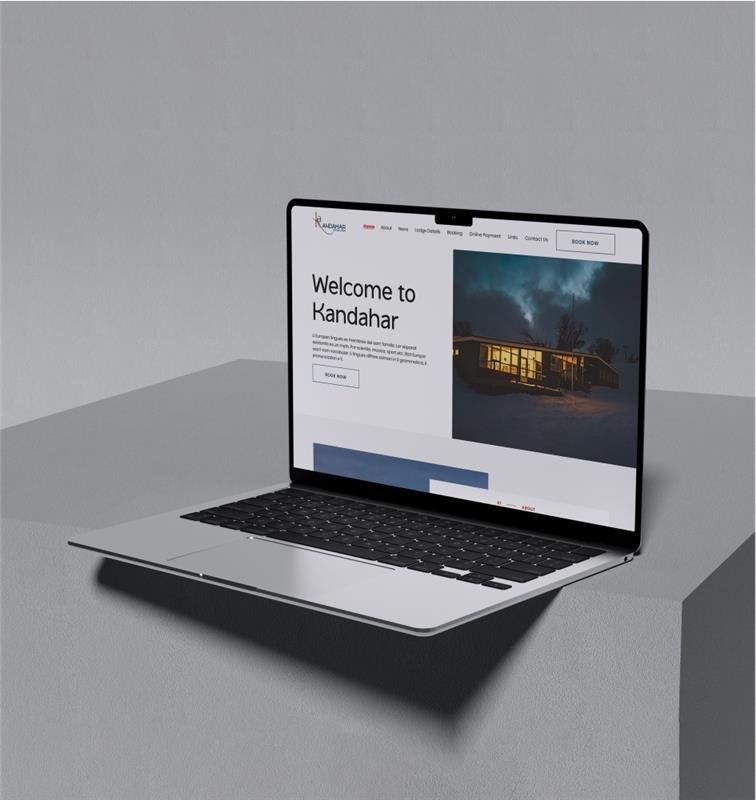
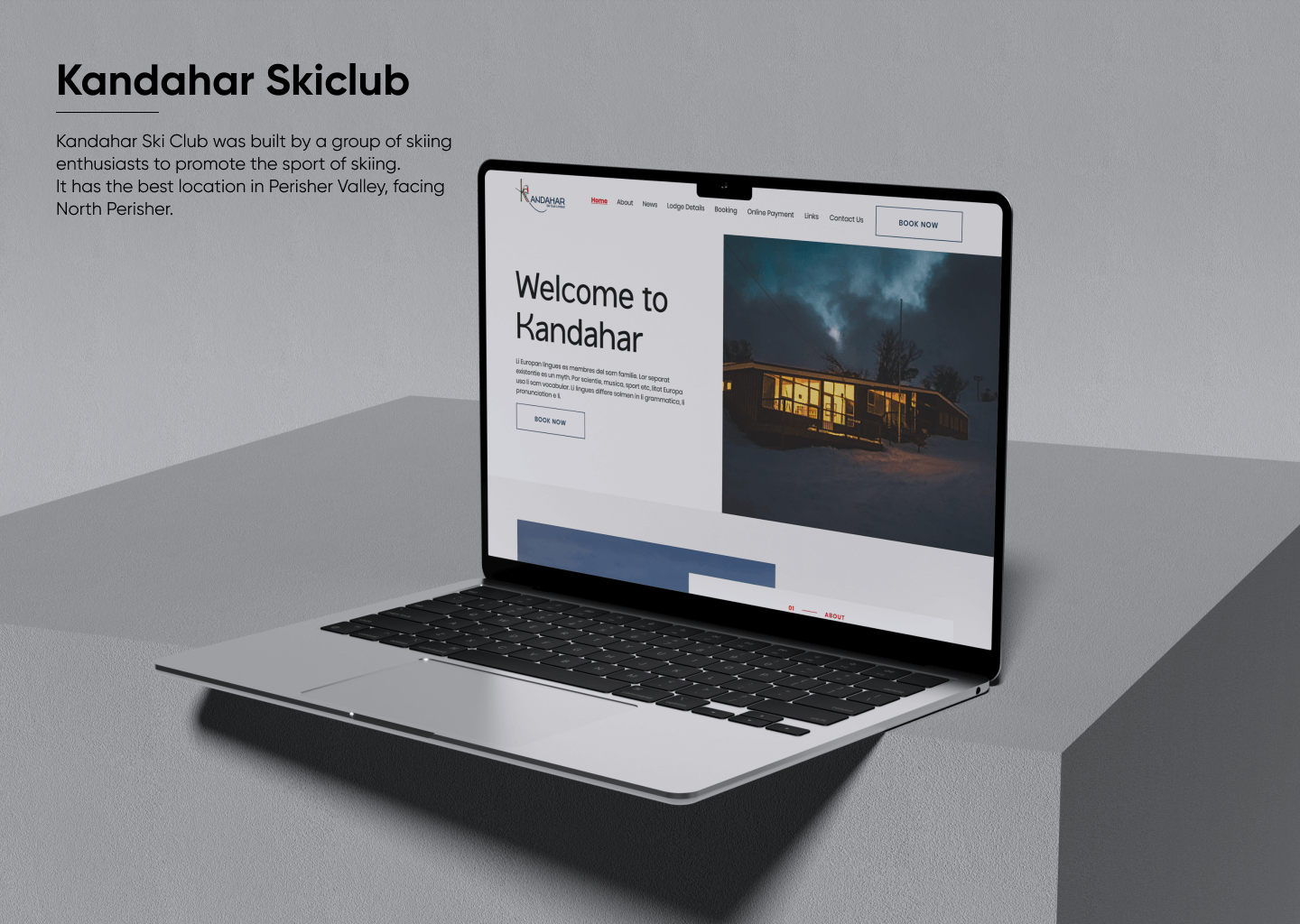 40%less admin time for the clubKandahar Ski Club Bookings →
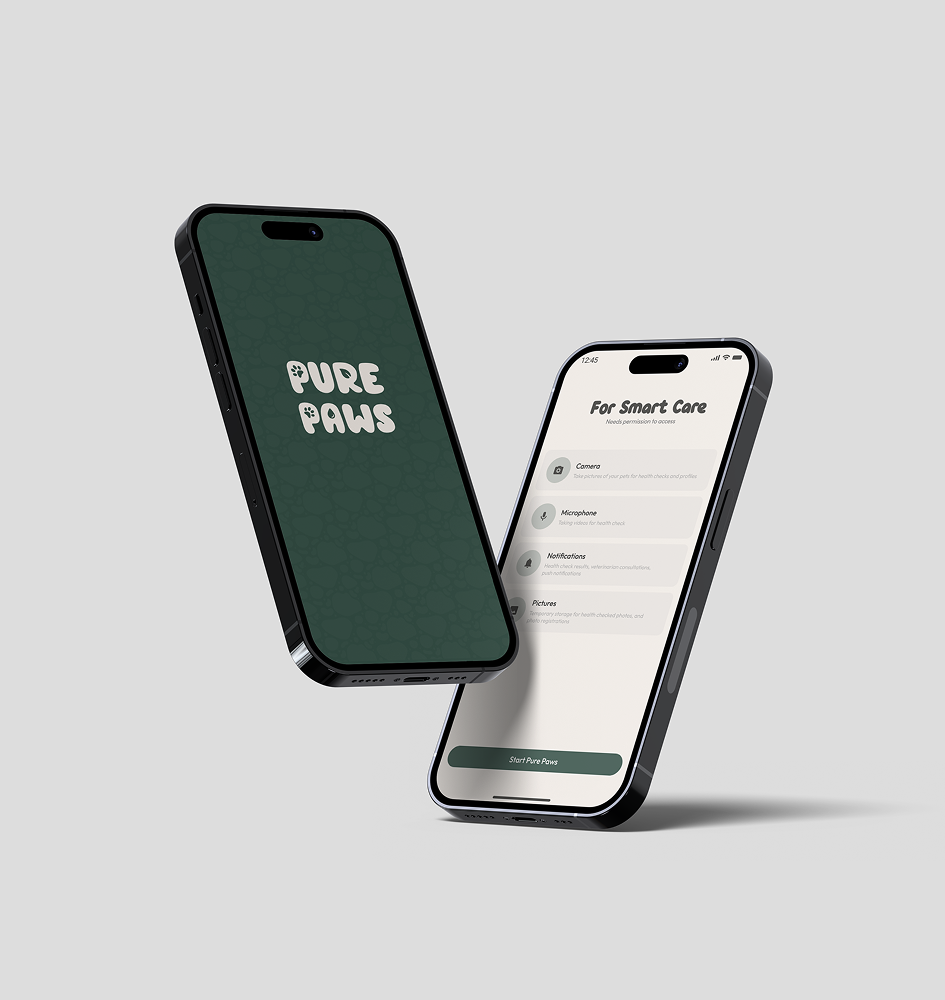
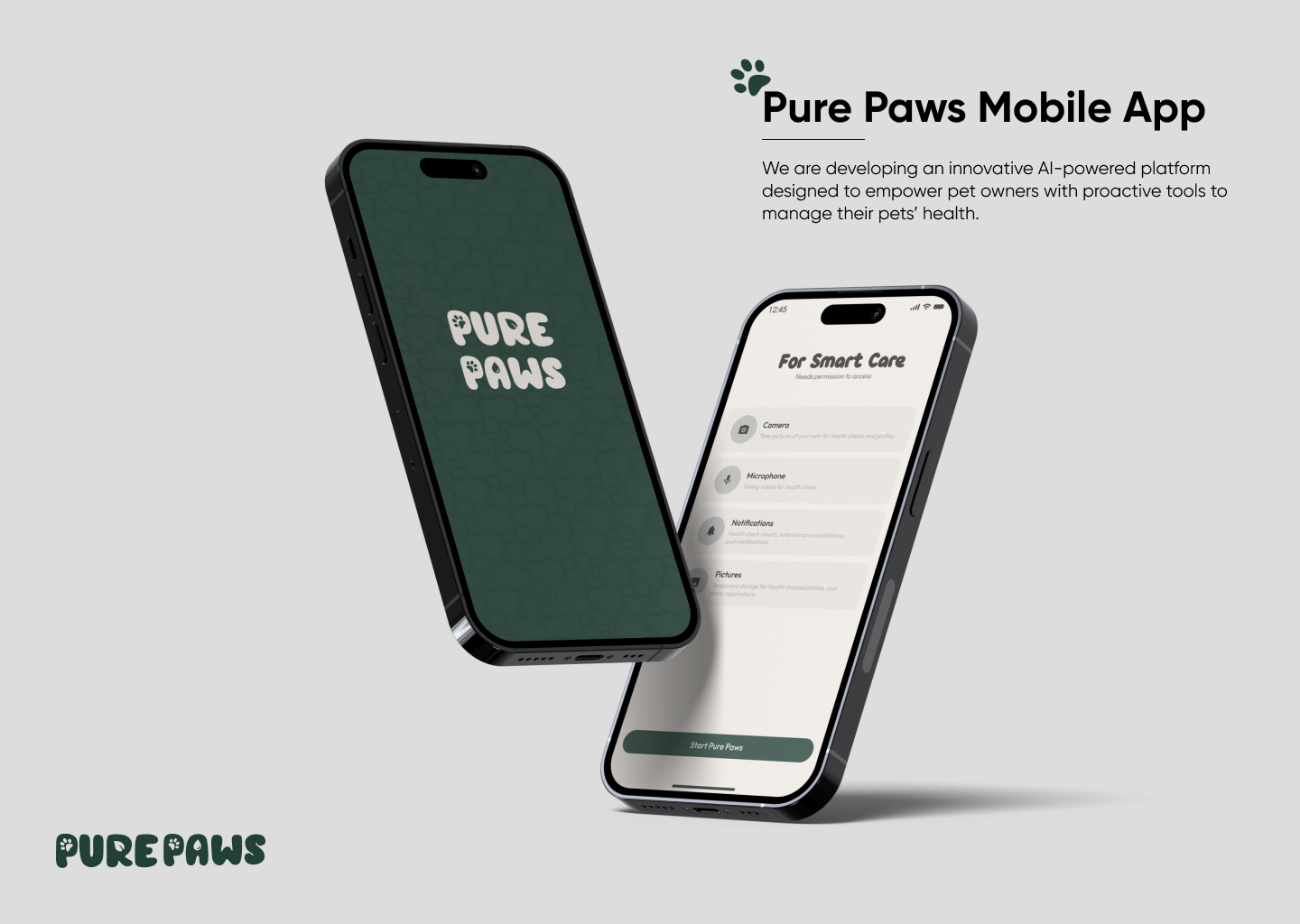 2,500+health assessments in the first 3 monthsPurePaws AI Pet Health →
HOW WE WORK
01
We map your current systems, data and bottlenecks, then agree scope and success measures.
02
We design the data flow and build type-safe middleware and custom API endpoints.
03
Every sync is tested against real edge cases and simulated peak traffic before go-live.
04
Zero-downtime release, with logging and error alerts so issues are caught early.
FAQ
Yes. Totara is built on Moodle, so the same approach works for both, using the web services and plugins available on your site.
Yes. We match existing accounts during setup so learners keep their history, then link them to SSO.
Any CRM with an API, including HubSpot, Salesforce and Dynamics. We map the fields you need in discovery.
It depends on the systems and data involved. After a short discovery you get a fixed-price estimate for the build and a clear monthly figure for hosting and support.
We monitor the integration, fix issues fast and update it when the connected systems change versions. You own the code, data and accounts from day one.
RELATED SOLUTIONS
Client pricing, bulk reordering and live stock for wholesale buyers.
Explore solution →
Enterprise automation on your own servers, with no per-task fees.
Explore solution →
Move stores, accounts and media to AWS with zero-downtime cutover.
Explore solution →
WORK WITH US
Share the systems you use today and what you want them to do. We reply with clear next steps and a written estimate before any work starts.
Last updated: